

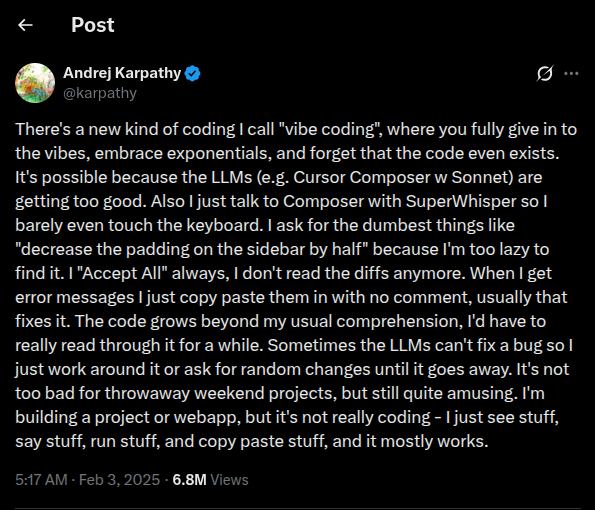
Andrej Karpathy introduced vibe coding in a tweet post earlier in 2025. We can say that’s when it became a term.
He describes it this way, “You can code software by expressing what you want in plain English.” So in a sense, not programming languages, but human languages can build software. The purpose of vibe coding is to accelerate software development, whereas manual coding takes longer.
TL;DR
- Vibe coding is what you want to build in plain English and letting AI write the code for you
- No coding knowledge is needed to get started
- Best beginner friendly tools are Claude, Replit, Cursor, and Lovable
- It works best for small projects, prototypes, and simple tools
- As your project grows, security, maintenance, and scaling become real challenges
- Start small, test your idea, and bring in a developer when things get serious
Table of Contents
What is Vibe Coding?
Vibe coding means telling an AI what you want to build, in plain English, and letting the AI write the code for you. You do not need to write a single line of code. You describe your idea like you would explain it to a friend. The AI figures out the rest. Think of it like ordering food. You don’t go into the kitchen and cook it yourself. You tell the waiter what you want. Vibe coding works the same way.
Why Vibe Coding Is Growing So Fast
A year ago, building an app meant spending months learning to code or paying a developer anywhere from $15,000 to $100,000 or more. That barrier is now falling fast. And the numbers show exactly how quickly things are changing.
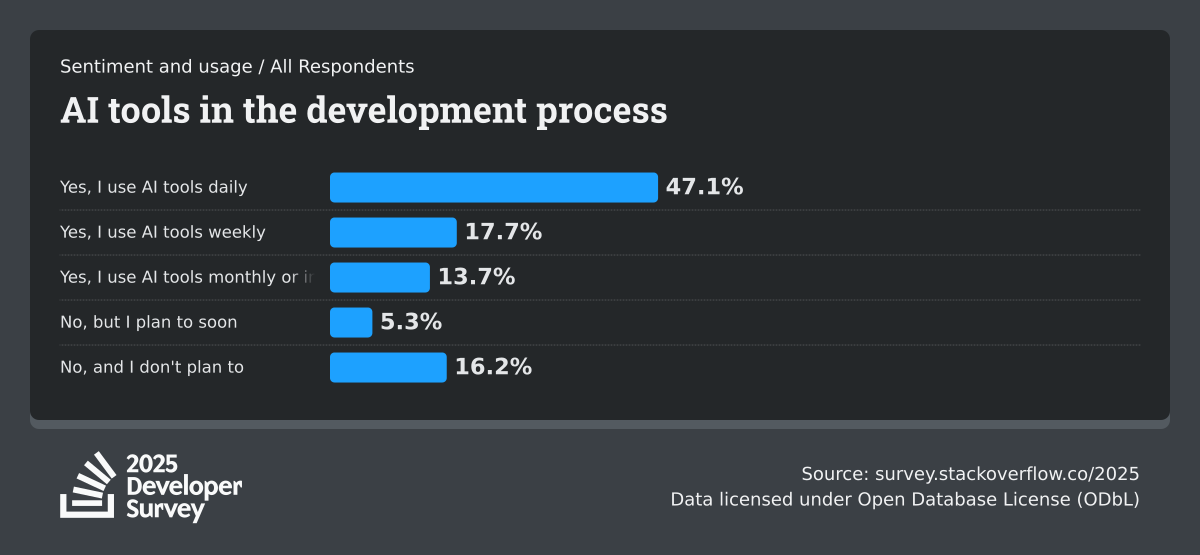
According to the 2025 Stack Overflow Developer Survey, 84% of developers are now using or planning to use AI tools in their work, which goes up from 76% just a year ago. AI is no longer something developers dabble in. It is becoming the standard way people build software.
The GitHub Octoverse 2025 report adds another striking data point: more than one new developer joins GitHub every second. And nearly 80% of those new developers use an AI coding tool within their very first week. That tells you something important. People are not easing into AI-assisted building. They are starting with it from day one.
The market behind these tools is growing just as fast. According to SNS Insider via Yahoo Finance, the global AI code tools market was worth $6.04 billion in 2024 and is projected to reach $37.34 billion by 2032. That kind of investment does not happen unless the tools are solving real problems for real people.
For non-technical creators, the impact is even more direct. Replit reports that organizations using AI-assisted development build applications up to 5.8 times faster than teams using traditional methods. That is not a small improvement. That is the difference between a project that takes three months and one that is done in two weeks.
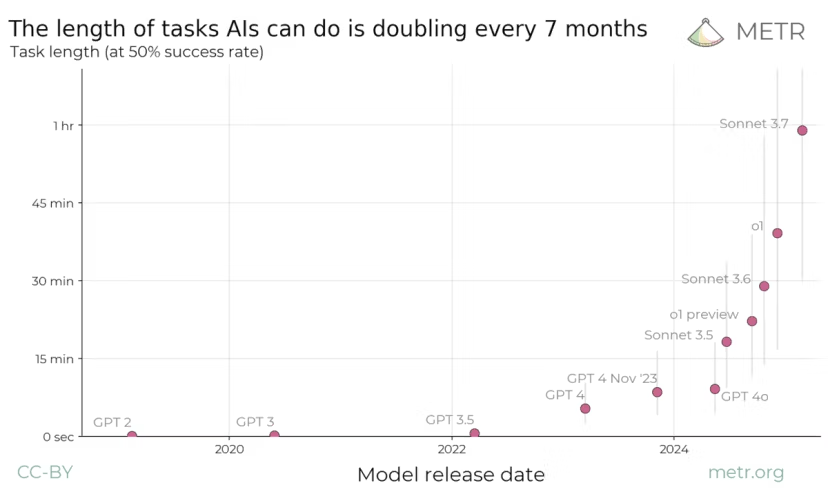
Vibe coding sits right at the centre of all of this. It is the most accessible version of AI-assisted building.
How Does Vibe Coding Actually Work?
You open an AI tool like Claude, Cursor, or Replit, which are built for this. You do not need to install anything to get started. Describe what you want. You type something like: “Build me a simple website where people can sign up for my newsletter.” The AI builds it. AI reads your message and generates the code, and you can see the result. You give feedback. If something looks wrong or is missing, you type it out. “Make the button blue.” “Add a thank you message after sign up.” The AI updates it. You repeat your commands to the AI until it meets your expectations.
That is exactly what the process feels like. You are having a conversation. The AI is doing the building process.
What Can You Build with Vibe Coding?
You do not need a big technical idea to get started. Some of the most useful things people build with vibe coding are surprisingly simple.
Here are a few real examples:
- A personal portfolio website to show your work
- A sign-up form to collect emails for your newsletter
- A to-do list app for your daily tasks
- A simple calculator for your business
- A landing page for a product or service you are selling
- And almost anything you can think of and express
People are also building things like interactive calculators, quiz funnels, product recommenders, custom analytics dashboards, etc using vibe coding tools. The point is not to build the next Facebook. The point is to build something that solves a small problem for you or your audience. Vibe coding is perfect for that.
What Are the Limitations of Vibe Coding?
Vibe coding is exciting. But it is important to be honest about what it cannot do.
- Sometimes it can produce messy code. The AI builds things fast. But fast does not always mean clean. The code underneath can get complicated, and if something breaks, it can be hard to fix without any technical knowledge.
- It struggles with complex projects. AI systems used in vibe coding struggle with complex problems, like projects involving multiple files or poorly documented systems. If your idea is simple, it works great.
- Security can be a problem. AI-generated code does not always follow best practices for data security, and any vibe-coded tool should be reviewed by a professional before launch, especially if it collects user data.
- It is not a replacement for real development. If you are building something serious, like a product with real users, real money, or sensitive data. You still need a developer involved at some point.
- Think of vibe coding as a starting point, not a finish line. It is brilliant for ideas, prototypes, and small projects. For everything bigger, treat it as a first draft that a professional can refine it later.
Best Tools for Vibe Coding
You do not need to try every tool out there. We have a suggestion on four beginner-friendly options worth knowing about.
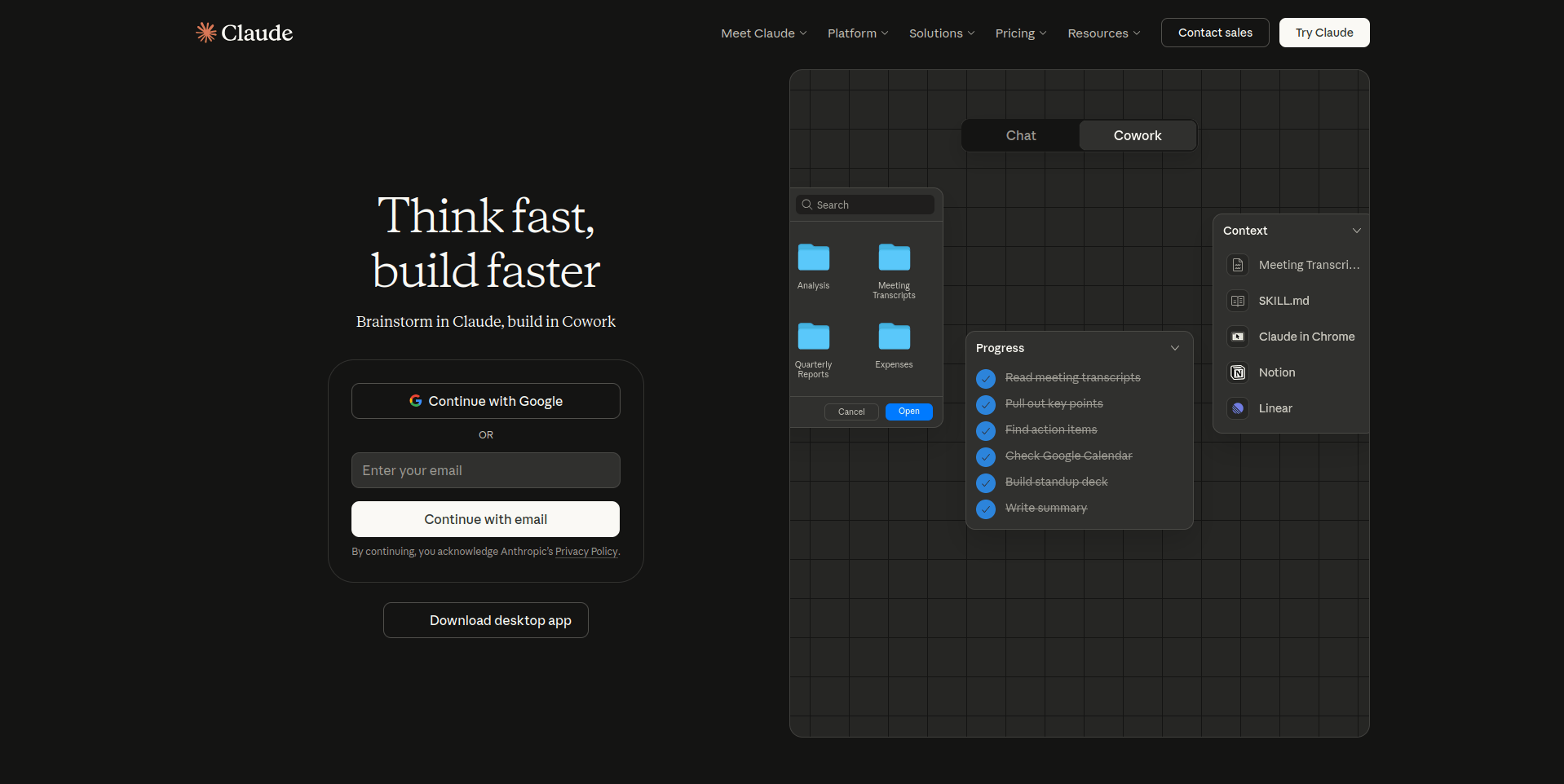
1. Claude (by Anthropic): This is a great starting point for beginners. You describe what you want in English, and Claude helps you build it through a simple back-and-forth conversation. It is clean, easy to use, and does not feel overwhelming.
2. ChatGPT: OpenAI’s ChatGPT offers powerful coding capabilities through natural conversation. It can help you build, debug, and refine projects with simple prompts, making it accessible for first-time builders.
3. Google Gemini: Google’s AI assistant provides strong coding support with the ability to understand complex instructions and generate functional code from plain English descriptions.
4. Lovable: If design is more important to you, then Lovable is worth trying. The interface is polished and friendly, and industry reports consistently rank it among the most accessible options.
5. Replit: Replit is one of the most popular tools for people with no coding background. Many Replit users never write a single line of code, yet they still ship projects with AI help. It handles the technical setup for you, which is a big deal when you are just starting.
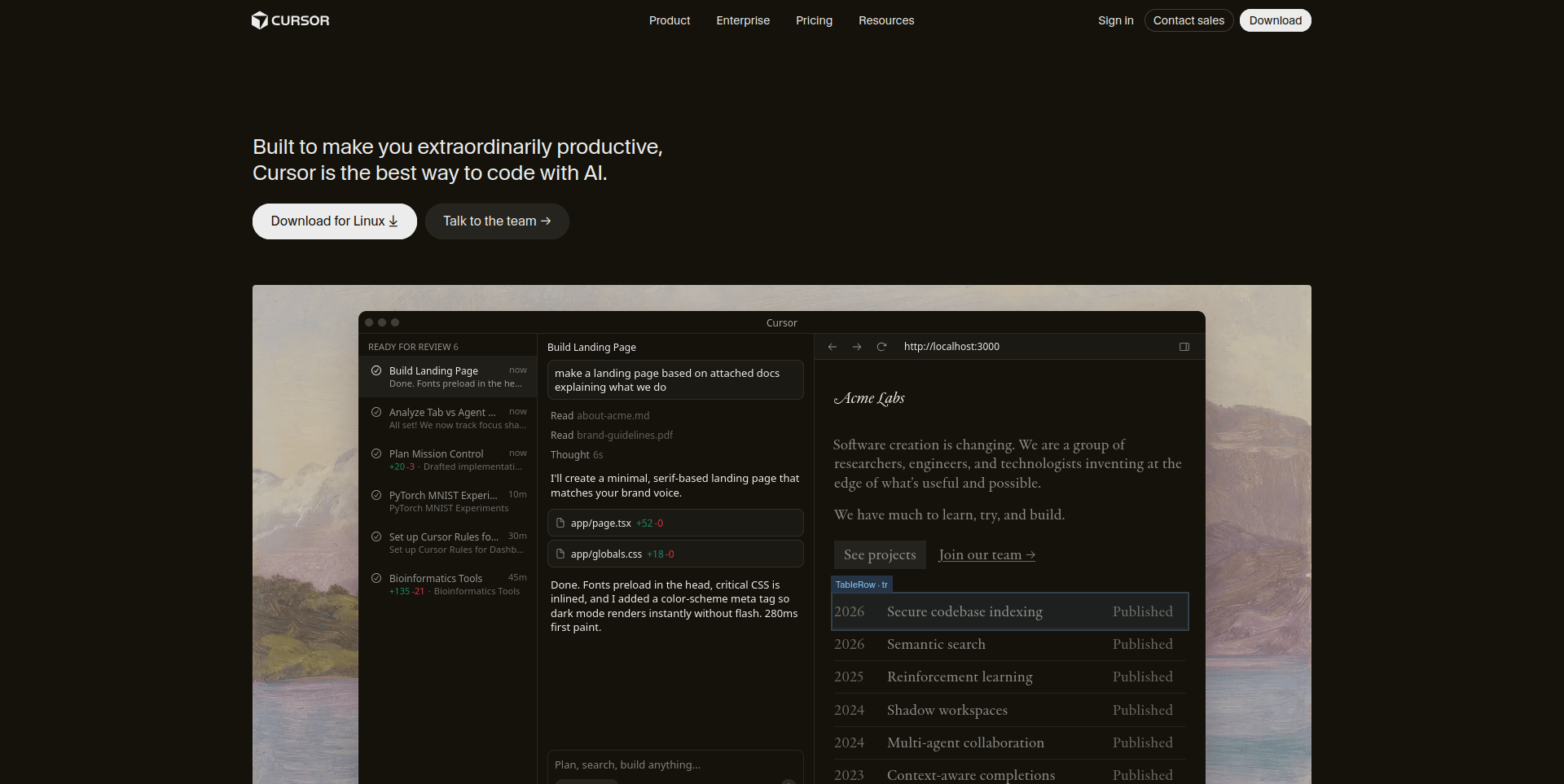
6. Cursor: It is built for people who want a bit more control. It looks like a code editor, but it works like a conversation. You type what you want, and it builds it inside the editor. Replit and Cursor are consistently ranked among the most capable tools for beginners focused on learning and building real things.
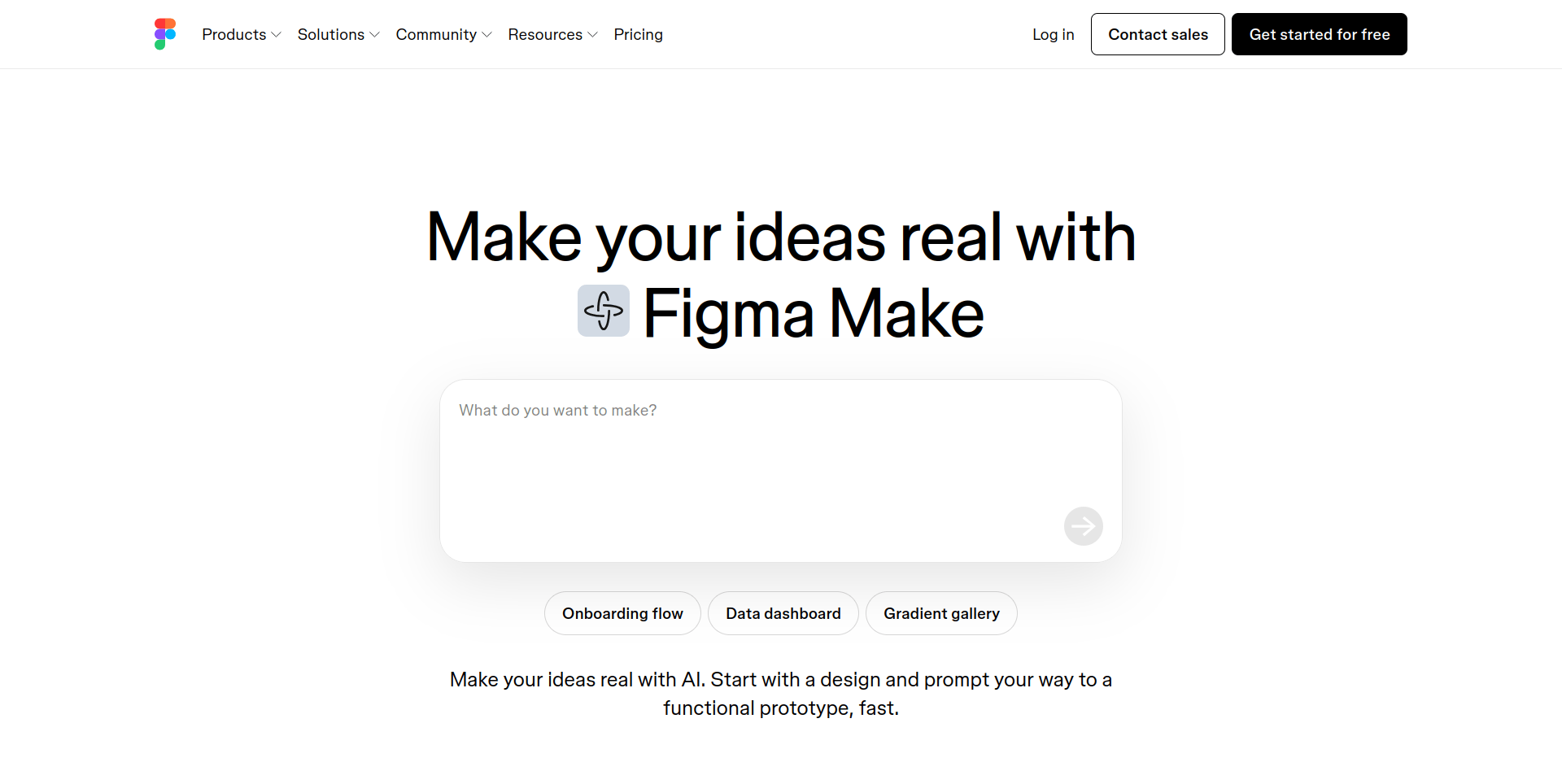
7. Figma Make: For those who think visually, Figma Make bridges the gap between design and development. You can describe what you want while working in a familiar design environment, making it perfect for designers who want to build without learning to code.
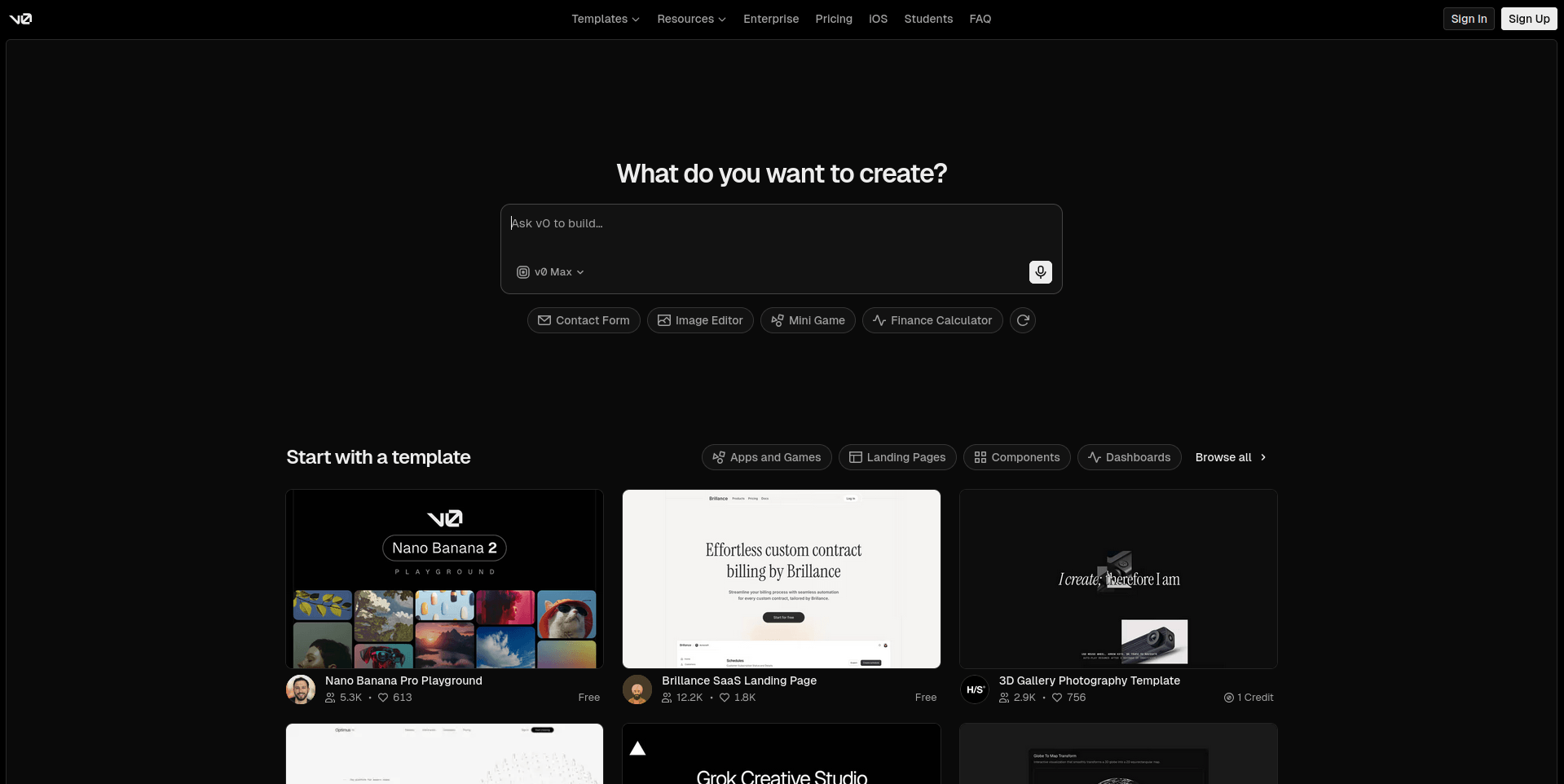
8. v0: Created by Vercel, v0 specializes in generating beautiful, production-ready UI components from simple text descriptions. If you want to build sleek, modern interfaces quickly, v0 delivers high-quality results with minimal effort.
Start with Replit or Claude. They are the most friendly for first-timers. Once you get comfortable, you can explore the others. Also Google provides generous credits to get started in the ai studio.
Do You Need to Know Coding to Start Vibe Coding?
You do not need to know any programming language, nor do you need to understand how code works. You need a clear idea and the ability to describe it. If you can explain what you want clearly, you can vibe code. Think of it like giving directions to someone. You do not need to know how to drive a car. All you have to know is where you want to go.
Here is a real example. Imagine you want to build a simple tool that calculates how much water a person should drink daily based on their weight. You do not write any code. You just type something like:
“Build me a simple calculator where someone enters their weight, and it tells them how much water they should drink per day.”
The AI reads that. Builds it. And you have a working tool in minutes.
Vibe coding marks the end of an era where software development required years of technical training, turning millions of non-coders into creators who can build and launch applications. The clearer you describe, the better the AI understands it. So before you open any tool, spend two minutes writing down exactly what you want to build.
What Happens When You Want to Grow?
Vibe coding is a fantastic starting point. But it is honest to tell you what happens when your small project starts to get bigger. Because it will come with some real challenges.
- Scaling gets hard fast: When you build something small, everything works fine. But the moment you get more users, need more features, or want to connect different systems, the AI-generated code starts to struggle. It was built for your idea at that moment. It was not built to grow.
- Security becomes a serious concern: This is the biggest risk for beginners. You will not notice security problems because you do not know what to look for. Developers who use AI-generated code without understanding its functionality can face undetected bugs, errors, and security vulnerabilities. Things like weak login systems, exposed user data, or unsafe payment handling can slip through without you ever knowing.
- Maintenance becomes a loop: When something breaks, you go back to the AI to fix it. But the AI does not always remember everything it built before. So fixing one thing can break something else. For a beginner with no coding knowledge, this loop gets frustrating very quickly.
- Costs start to add up: Most vibe coding tools are free when you start. As your project grows and you need more functionality, connecting to external services and APIs (Application Programming Interface) can introduce unexpected costs.
Build your idea with vibe coding and test it. But the moment it starts getting big, such as real users and real data. Bring in a developer to review what was built. Think of vibe coding as your blueprint. A professional helps you turn that blueprint into something solid and safe.
Frequently Asked Questions
What is vibe coding?
Vibe coding is when you tell an AI what you want to build using plain English and the AI writes all the code for you.
Who invented vibe coding?
The term came from Andrej Karpathy, a co-founder of OpenAI and former AI leader at Tesla, in February 2025. It quickly spread across the tech world and was named Collins English Dictionary Word of the Year for 2025.
Can a complete beginner do vibe coding?
Yes. Vibe coding was built for exactly this kind of person. If you can describe your idea clearly in a few sentences, you can start building with AI today.
What can I build with vibe coding?
As a beginner you can build simple things like a personal website, a sign up form, a basic calculator, a landing page, or a to-do app. Start with one small idea and grow from there.
Is vibe coding free?
Most tools offer a free plan to get started. However, as your project grows and needs more features, costs can increase. Always check the pricing of the tool you choose before you commit to building something big.
What is the best vibe coding tool for beginners?
Replit and Claude are the most beginner friendly options to start with. They require no setup complications and let you start building right away through simple conversation.
What are the biggest risks of vibe coding?
The three biggest risks are security vulnerabilities in AI generated code, difficulty maintaining the project when things break, and scaling problems when your project grows beyond a simple prototype.
Conclusion
A year ago, building your own app or website meant either learning to code for months or paying money to someone to do it for you. Today, you can open an AI tool, describe your idea, and have it working in under an hour. Vibe coding is brilliant for getting started. It is not brilliant for building something serious without any real person’s help. The security risks are real. The maintenance headaches are real. The scaling limits are real. Pick one small idea you have been thinking about. Something simple. Because the best way to understand vibe coding is not to read about it. It is to try it once and feel how different it is from anything you have done before. The hottest new programming language is English